Thousands of products use Algolia to power fast, relevant search. If yours is one of them, your retrieval layer is already in good shape: queries go in, ranked results come out in milliseconds.
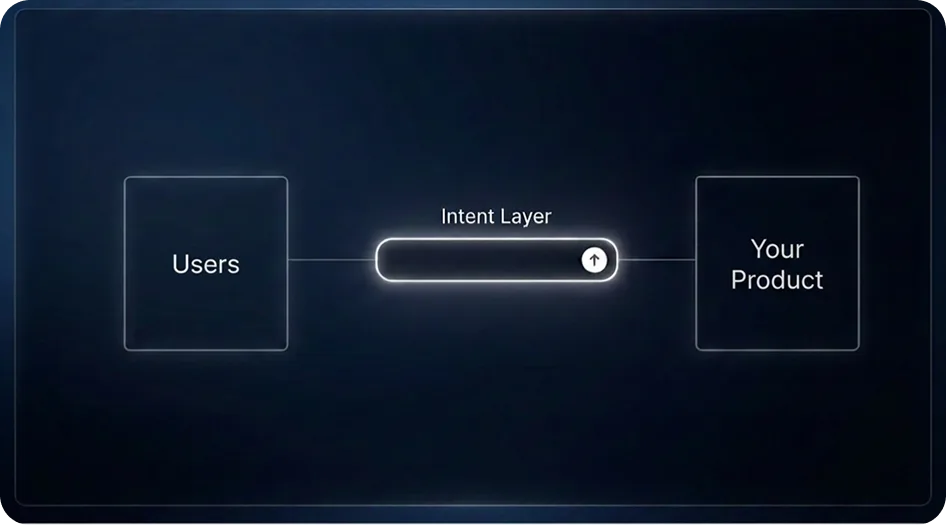
AI Autocomplete works on the other side of that equation — inside the text box itself, before a query is ever submitted. It is an intent layer, not a search engine, so it complements Algolia rather than replacing it.
What Algolia does: retrieval and ranking
Algolia takes a query and finds the best matches in your index — handling typos, applying filters and facets, and ranking results by relevance and business rules. The better the query it receives — more terms, more structure, clearer constraints — the better its results get.
That last part is the catch. Algolia can only rank what the user manages to type, and most users type very little.
What AI autocomplete adds: intent capture
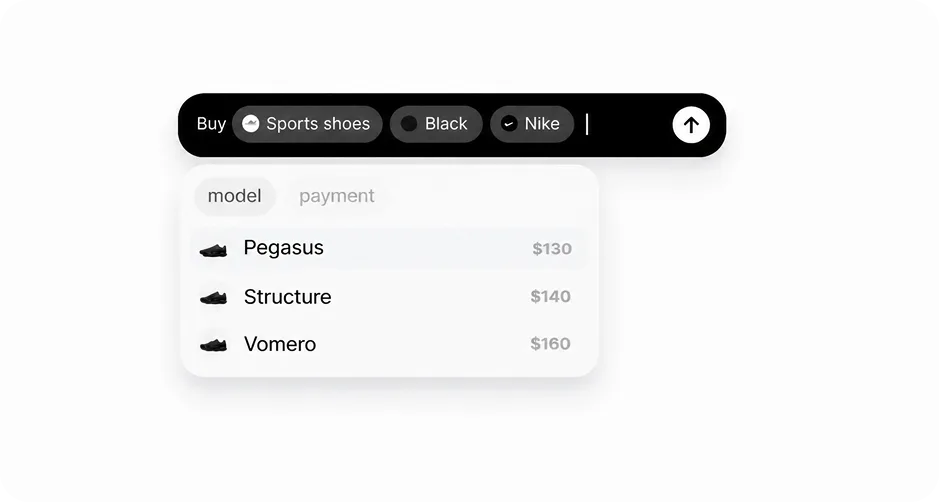
Most queries arrive underspecified. A shopper types “shoes” when they mean black Nike running shoes under $150, deliverable by Friday. The search engine is left to guess everything the user didn't say — we call this the blank text box problem.
AI Autocomplete solves it while the user types. It suggests the choices that matter next — category, brand, color, budget, delivery — drawn from your own product data, and captures every selection as structured fields rather than loose text.
How the two layers work together
The flow is simple. The user types in one text box. AI Autocomplete guides them to a complete, structured request. That structure maps directly onto the Algolia primitives you already use: the free-text part becomes the query, and the captured fields become filters and facets.
“black Nike running shoes under $150” → query: running shoes · brand: Nike · color: black · price < 150
Algolia then does what it does best, with a far richer query than a user would ever type unaided. Results improve without touching your index, your ranking rules, or your backend — the gain comes entirely from better input.
Set it up in minutes
The AI Autocomplete SDK drops into your existing search box alongside your Algolia integration — the documentation walks through the five-minute setup. Connect your catalog (categories, brands, prices, inventory) so every suggestion reflects real data, then pass the structured output to Algolia exactly as you build queries today.
Pricing is usage-based, and you can start free. Teams with custom requirements can look at the enterprise options.
Give your search box a brain
Better input is the cheapest search upgrade you can ship. Keep Algolia doing what it does best, and let AI Autocomplete make sure it always gets a great query.
Try it at AI-Autocomplete.com