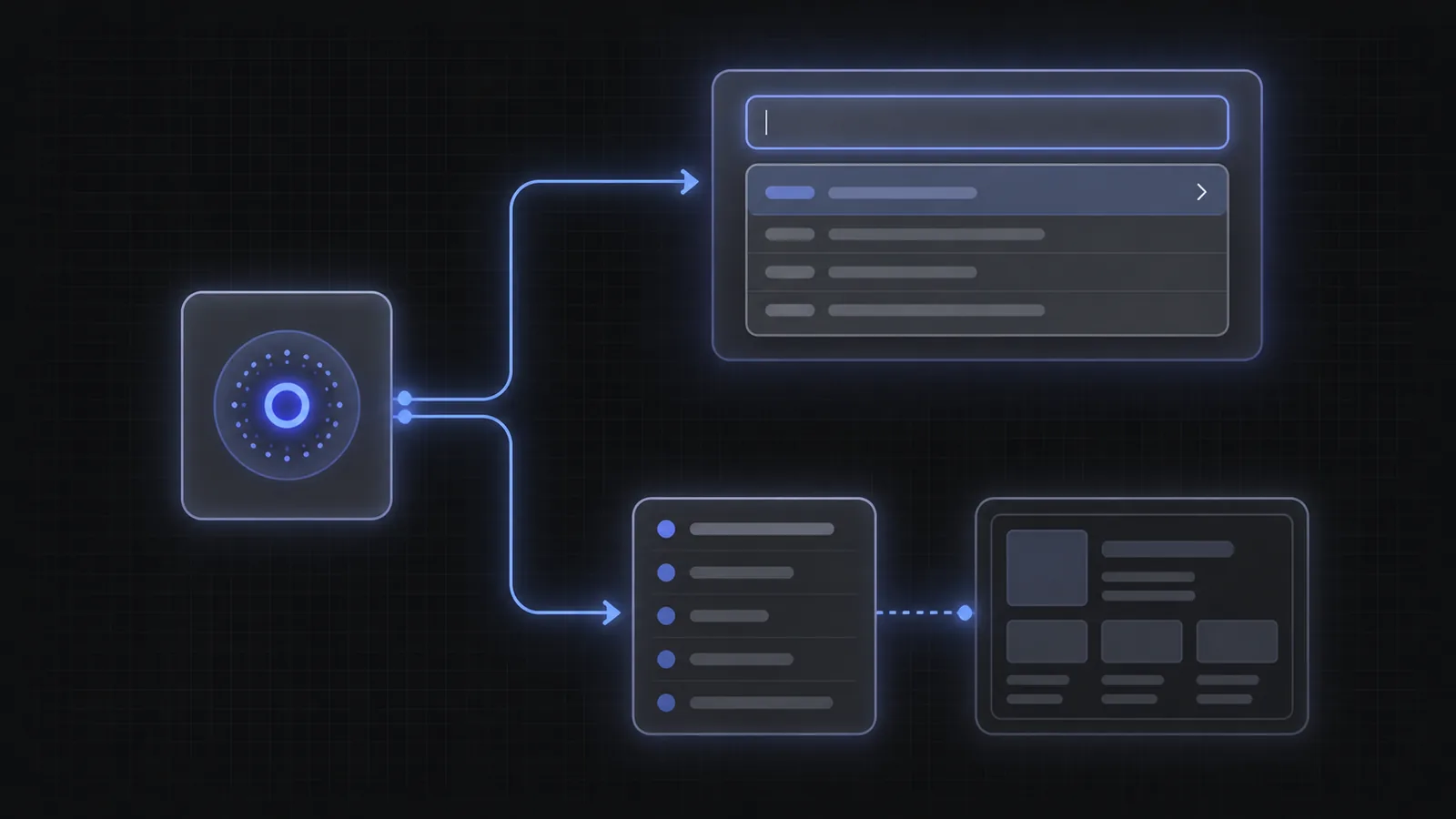
An autocomplete SDK and an autocomplete API are not two quality tiers. They are two boundaries around responsibility. The SDK ships a working interaction. The API returns the underlying suggestions and leaves the interaction to the application.
Choosing well requires an honest view of the interface you need, the platforms you support, the engineering time available now, and the maintenance burden you are willing to keep later.
Choose the SDK for a product surface. Choose the API for a product primitive.
Start with the part of the experience you need to own
The quickest decision comes from four questions. If the answers point in one direction, avoid turning the integration into an architecture debate.
Ask:
- Do we want a ready input, dropdown, pills, keyboard behavior, loading state, and error state?
- Does the autocomplete need to live inside a custom editor, canvas, command bar, voice surface, or native control?
- Can the team own per-keystroke cancellation, stale responses, focus state, accessibility, token refresh, and analytics?
- Will several platforms share one interaction model, or does each platform need a deliberately different interface?
A standard search box in React or Vanilla JavaScript normally points to the SDK. A custom rich-text editor, backend service, unsupported platform, or deeply embedded workflow may point to the API.
Use the SDK when speed and interaction quality matter most
The SDK handles the parts that appear simple until users type quickly, press keys in an unexpected order, edit a completed field, lose focus, or hit a slow network. It owns the request loop and a coherent input state rather than handing the application a bag of callbacks.
The drop-in component also gives the team a working accessibility baseline. The React SDK implements the combobox pattern, keyboard navigation, active-descendant state, selectable options, pills, loading, and submission. Styling and runtime option data remain configurable.
An SDK is not only fewer lines of setup. It is fewer interaction states for the host application to invent and maintain.
Choose this path when the product wants to ship a conventional autocomplete surface quickly, the provided rendering can fit the design system, and the team's differentiation lives in the intent model and downstream experience rather than the mechanics of the text box.
Use the API when the interaction itself is product-specific
The HTTP API exposes the autocomplete loop directly. The application sends the current raw query, completed parameters, and request metadata, then renders returned suggestions in any form it chooses.
That control is useful for native or unsupported platforms, server-side workflows, voice, custom editors, collaborative canvases, non-visual surfaces, or a design where suggestions do not belong in a conventional dropdown. It also lets one backend broker authentication and policy for several clients.
Control brings obligations. Direct callers must debounce or otherwise manage request volume, cancel or ignore stale requests, maintain session IDs, construct placeholder tokens, refresh access tokens, handle one-shot retry, implement accessibility, and keep rendering state consistent. The HTTP API documentation specifies the request and response shapes.
A layered integration often gives the best long-term path
Teams do not have to make one permanent choice for every surface. Start with the SDK to validate the intent model and downstream value. Move a specialized surface to the hook or API only when a real interface requirement appears.
Within React, the boundary is already graduated: use the full component, use the hook with the provided dropdown, or use the hook with custom rendering. The HTTP API sits below those options when the application needs to own the transport and state machine too.
This sequence prevents premature infrastructure work. It also makes the custom build easier to specify because the team has observed real users and knows which SDK behavior must be preserved. The React installation guide starts with the simplest tier.
The decision in one page
- SDK: fastest route to a complete, accessible product surface.
- API: maximum control over rendering, transport, and unsupported platforms.
- The API creates more ownership: cancellation, stale responses, auth refresh, sessions, accessibility, and state.
- The SDK still allows product data and styling; ready-made does not mean generic content.
- Start at the highest useful layer and move lower only when a concrete requirement demands it.
Frequently asked questions
What is an autocomplete SDK?
It is a client library that packages the autocomplete request loop and interface behavior. Depending on the integration tier, it can provide the full component, state hook, input props, dropdown, accessibility, and token handling.
What does an autocomplete API return?
The AI Autocomplete HTTP API returns suggestions for the current raw query and completed parameters, plus request metadata and a parsed view of the input. The caller decides how to render and select them.
Is the API more powerful than the SDK?
It offers lower-level control, not a better intent model. The SDK uses the same service and exposes customization tiers. Use the API when the application needs a boundary the SDK does not provide.
Can we begin with the SDK and move to the API later?
Yes. The concepts and result shape carry over. Starting with the SDK can validate the use case before the team takes ownership of a custom rendering and request state machine.
Which option is better for React?
Use the React SDK unless the input must be embedded in a highly custom surface that cannot use the component or hook. The SDK offers three rendering tiers before a direct API integration becomes necessary.
Own the layer that makes the product different
Do not rebuild interaction plumbing merely to prove that you can. Do not accept a fixed UI when the interaction is the product.
Compare the full options in the documentation or read the build-vs-buy guide.