
How does Shopify search work?
Shopify's built-in search works the same way on every store:
- What it searches: product titles, descriptions, product types, tags, variant names and vendor.
- How it matches: by default, Shopify looks for products that contain all the words. A search for "red linen dress" favors products that match all three words. It also handles small typos and singular or plural forms.
- Where it shows results: in a dropdown with suggestions while shoppers type, and on a results page after they press Enter.
- What you can't change: the ranking order. You improve Shopify search results through your product data, filters and boosts.
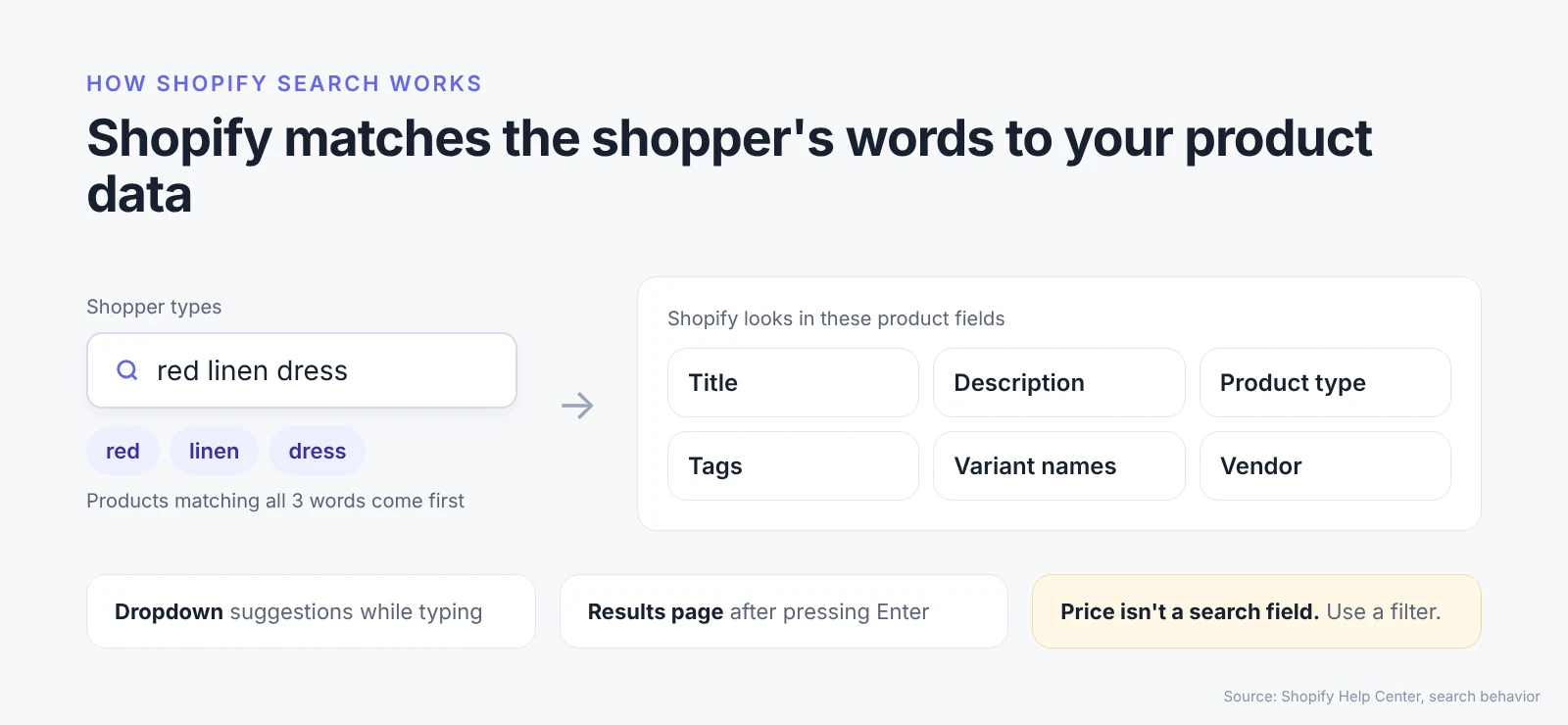
Source: Shopify Help Center: Search behavior
How can you improve Shopify search?
These five fixes improve Shopify search without changing your theme.
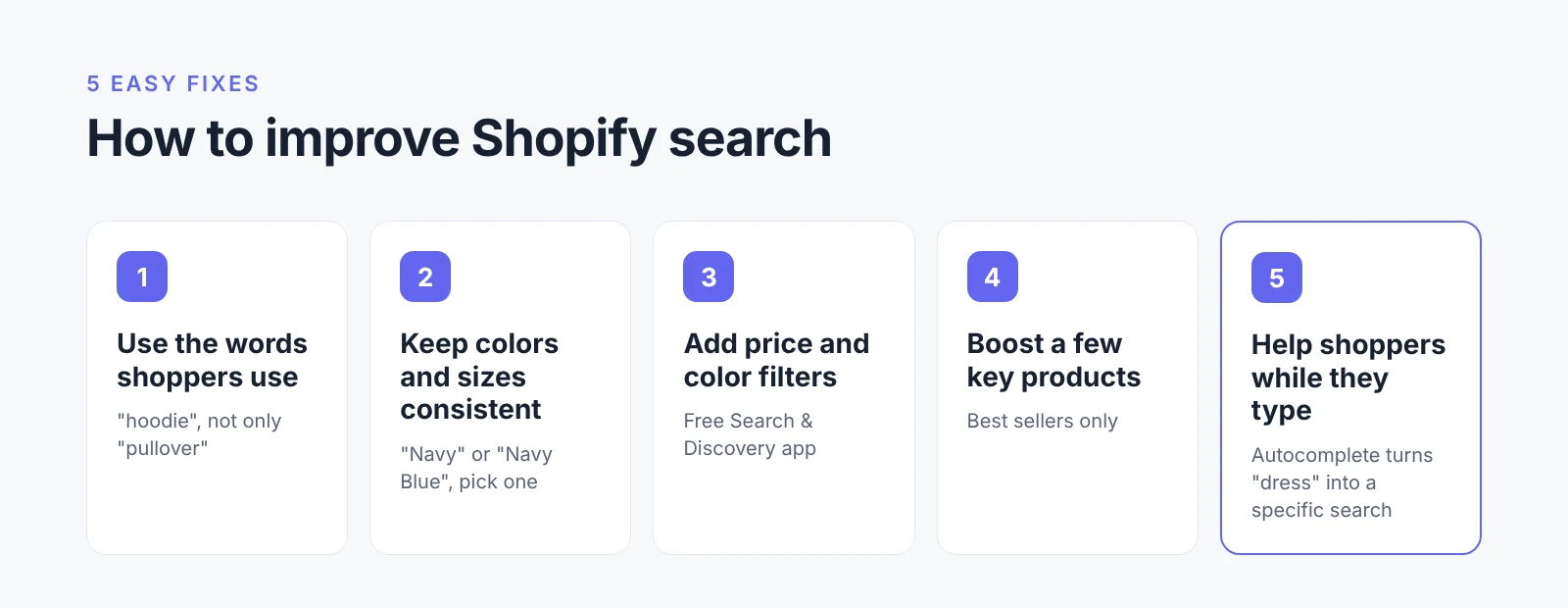
1. Use the words shoppers use
Put the everyday name of each product in its title and product type. If shoppers search "hoodie," don't only call the product a "pullover."
2. Keep colors and sizes consistent
"Navy" on one product and "Navy Blue" on another split Shopify search results. Pick one name for each color and size.
3. Add filters for price and color
Set up filters in the free Shopify Search & Discovery app, so shoppers can narrow results after searching. Color isn't a built-in filter, so add it from a product option or metafield (Shopify Help Center: Filters).
4. Boost a few key products
Shopify Search & Discovery lets you push a product to the top for chosen search terms. Use boosts for a handful of best sellers, not your whole catalog.
5. Help shoppers while they type
Many shoppers type short, broad words like "dress." Prompts that appear while they type can turn that into a specific search before they press Enter.
AI Autocomplete by MagicX is a Shopify app that does this. It asks shoppers for details like product type, color and price right in the search box, then sends a clearer query, like "black dress under $100," to the search the store already uses. See how to set up AI Autocomplete on Shopify.
How do you test your Shopify search?
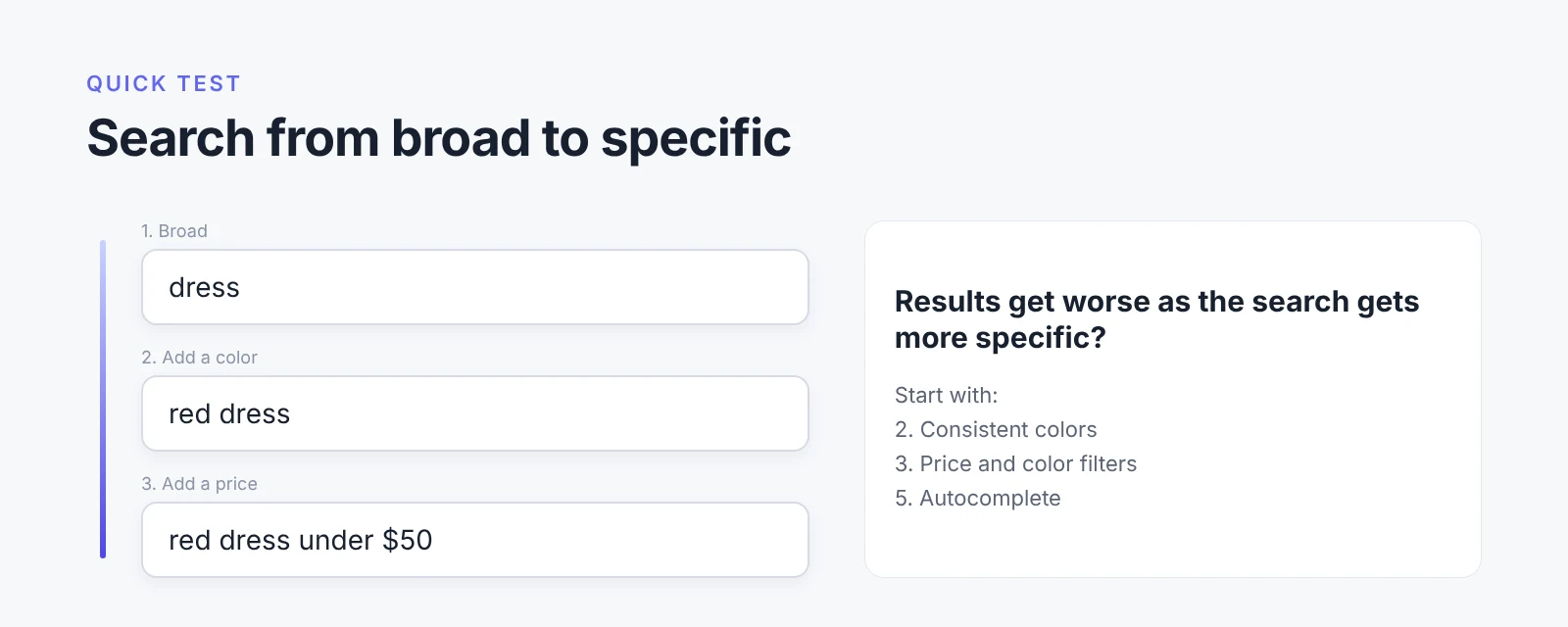
Search your own store three times, from broad to specific: one word, the same word with a color, then with a color and a price (for example: dress, red dress, red dress under $50). If results get worse as the search gets more specific, start with fixes 2, 3 and 5.
Want shoppers to find the right product faster? See how AI Autocomplete works on Shopify.