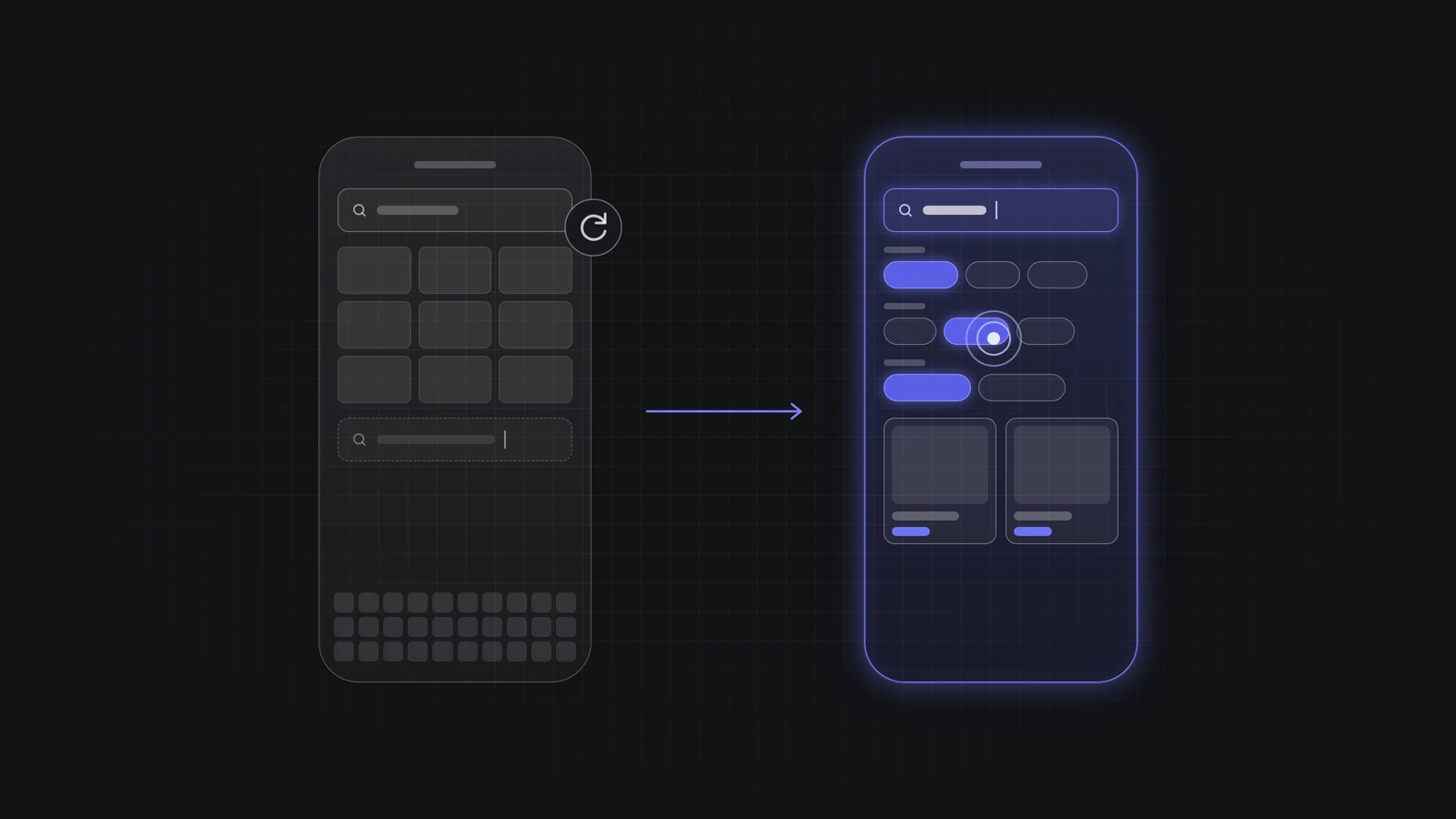
Why do mobile shoppers re-type searches?
Shopify search works the same on every device. What changes on a phone is the screen and the keyboard.
- Shorter searches: typing on a phone is slow, so shoppers type one or two words. A search for "dress" can return every dress in your store.
- Less room for suggestions: suggestions sit between the search box and the keyboard. Sticky banners, chat buttons and pop-ups can cover them (Baymard Institute: Autocomplete design).
- Filters are far away: on many themes, filters sit behind a Filter button on the results page. That means more taps after the search.
- Different words: if shoppers type "hoodie" and your products say "pullover," the search misses. See how Shopify search matches words.
How do you test your Shopify search on mobile?
Open your store on your own phone, not a desktop browser window, and run these five checks. It takes about 5 minutes.
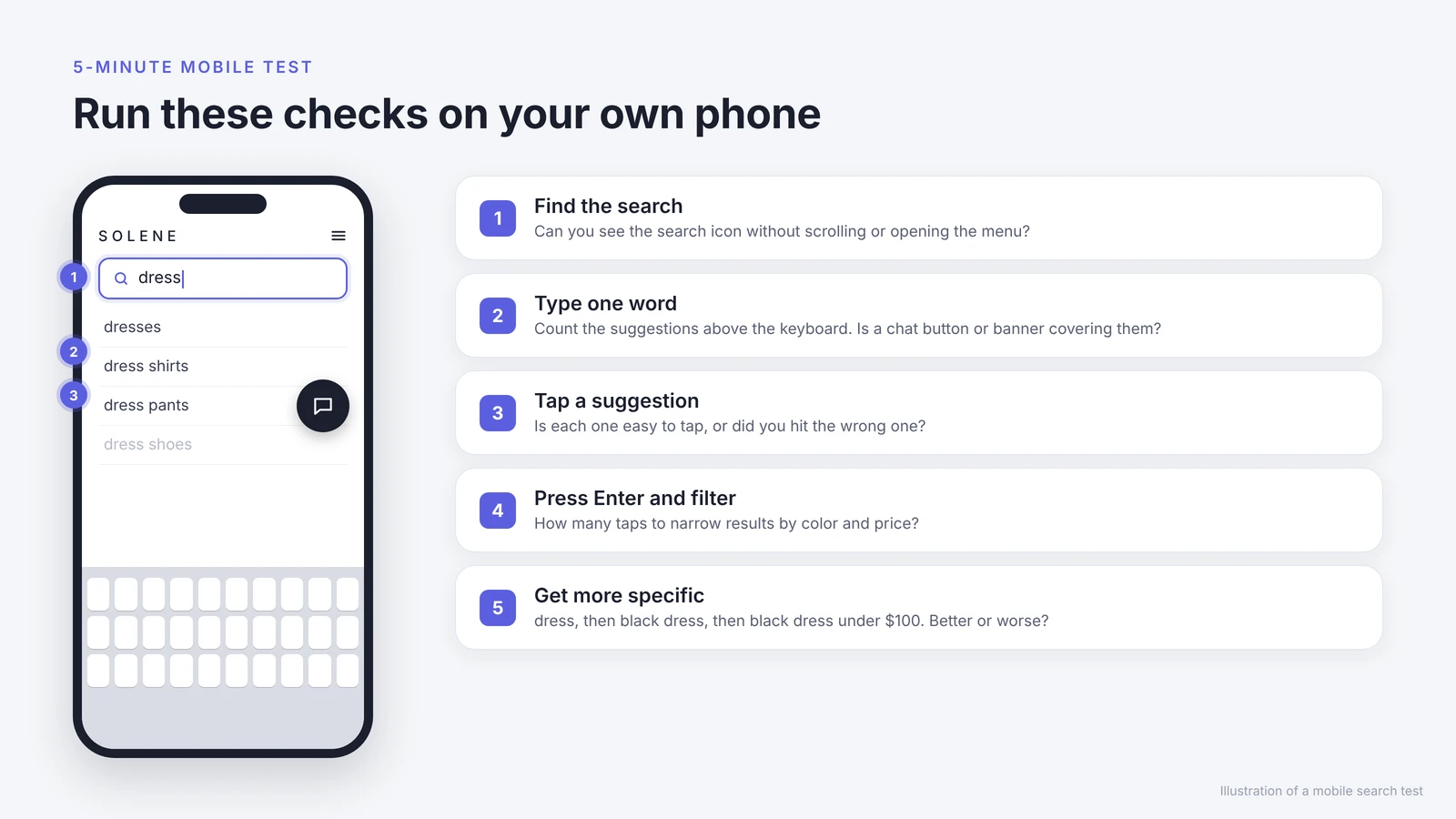
- Find the search bar. Can you see the search bar or search icon at the top without scrolling or opening the menu?
- Type one word. Type a product type you sell, like "dress." Count the suggestions you can see above the keyboard. Is anything covering them?
- Tap a suggestion. Is each suggestion easy to tap, or did you hit the wrong one?
- Press Enter and filter. How many taps does it take to narrow the results by color and price?
- Get more specific. Search "dress," then "black dress," then "black dress under $100." Do the results get better or worse?
How can you improve Shopify search on mobile?
Match each problem from your test to a fix.
| What you saw on the phone | Fix |
|---|---|
| Suggestions covered by a banner, chat button or pop-up | Hide those elements on the search screen, or move them |
| Suggestions too small or too close together | Show fewer suggestions with more space. Baymard recommends about 4 to 8 on mobile |
| A specific search returns worse results | Use the words shoppers type in product titles and types, and keep color names consistent |
| Too many taps to filter by color and price | Set up color and price filters in the free Shopify Search & Discovery app |
| Shoppers still search again after the first try | Let shoppers narrow the search while they type, before they press Enter |
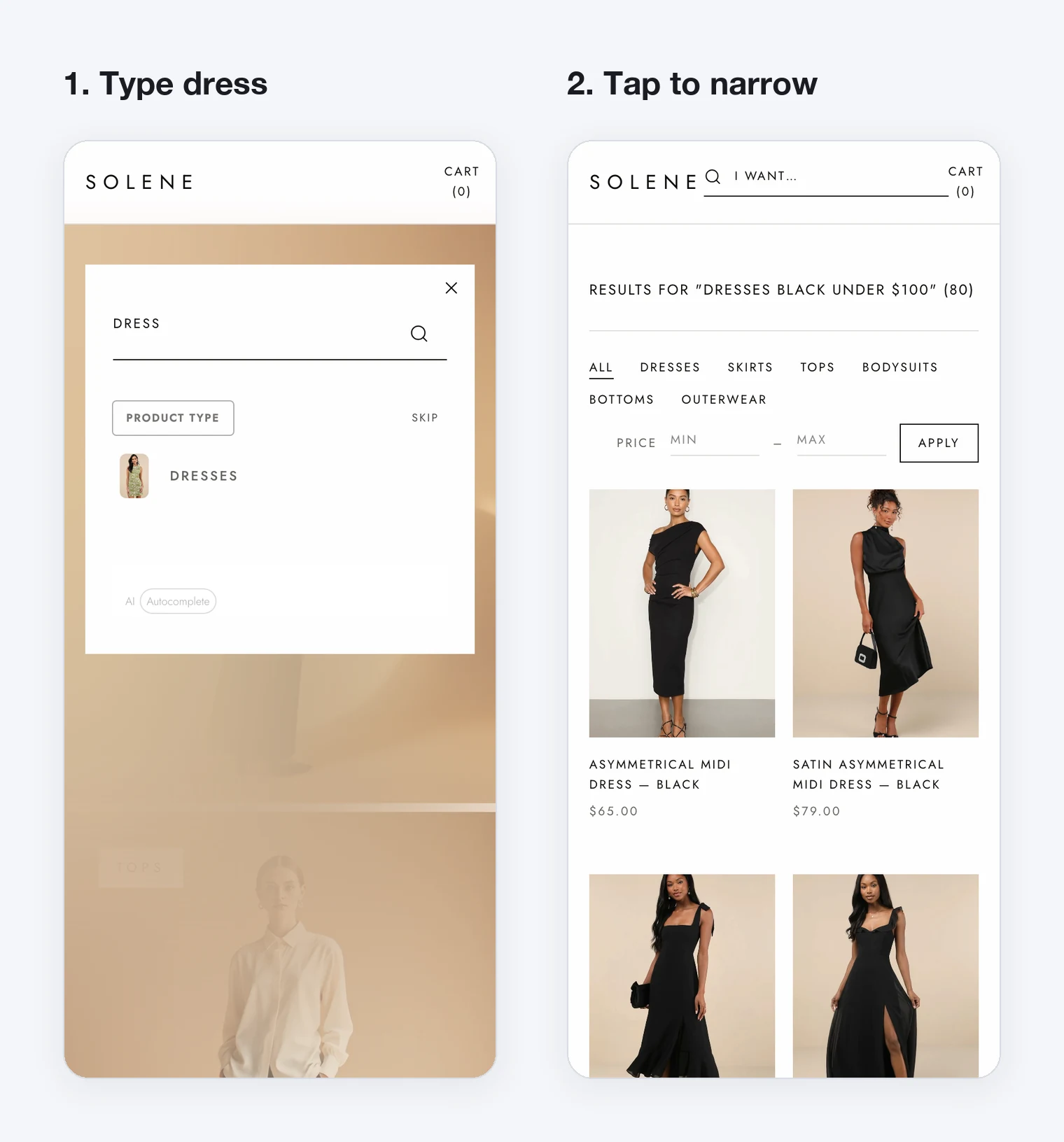
The last fix is what AI Autocomplete by MagicX does. It is a Shopify app built for mobile: when a shopper types "dress," it shows choices like type, color and price under the search box. The shopper taps a few choices instead of typing more words, and your existing search receives a clear query like "black dress under $100."
Want to try it without touching your live store? See how to test a search app with Shopify app embeds on a copy of your theme.
FAQ
Does Shopify search work differently on mobile?
No. Shopify uses the same search on desktop and mobile. The difference is the smaller screen, the keyboard and how much shoppers are willing to type.
Why isn't my Shopify search bar showing on mobile?
Many Shopify themes show search as a small icon in the mobile header instead of a full search bar. Open your theme editor, select the Header section and check its search settings. If your theme has no option for a full search bar on mobile, ask your theme developer.
How many search suggestions should show on mobile?
About 4 to 8. Baymard Institute found that shoppers start to ignore suggestions when a mobile list goes past about 8 (Baymard Institute: Autocomplete design).
Do I need an app to improve mobile search?
Not for the first fixes. Clearing covered suggestions, using shoppers' words and adding filters are free. An app helps when you want shoppers to narrow a search by tapping before they press Enter.
Next step: Test AI Autocomplete on a copy of your theme before you turn it on for every shopper.