A search engine can rank only the query it receives. An agent can follow only the brief it is given. A support team can route only the facts a customer includes. When the input is thin, every system downstream has to guess.
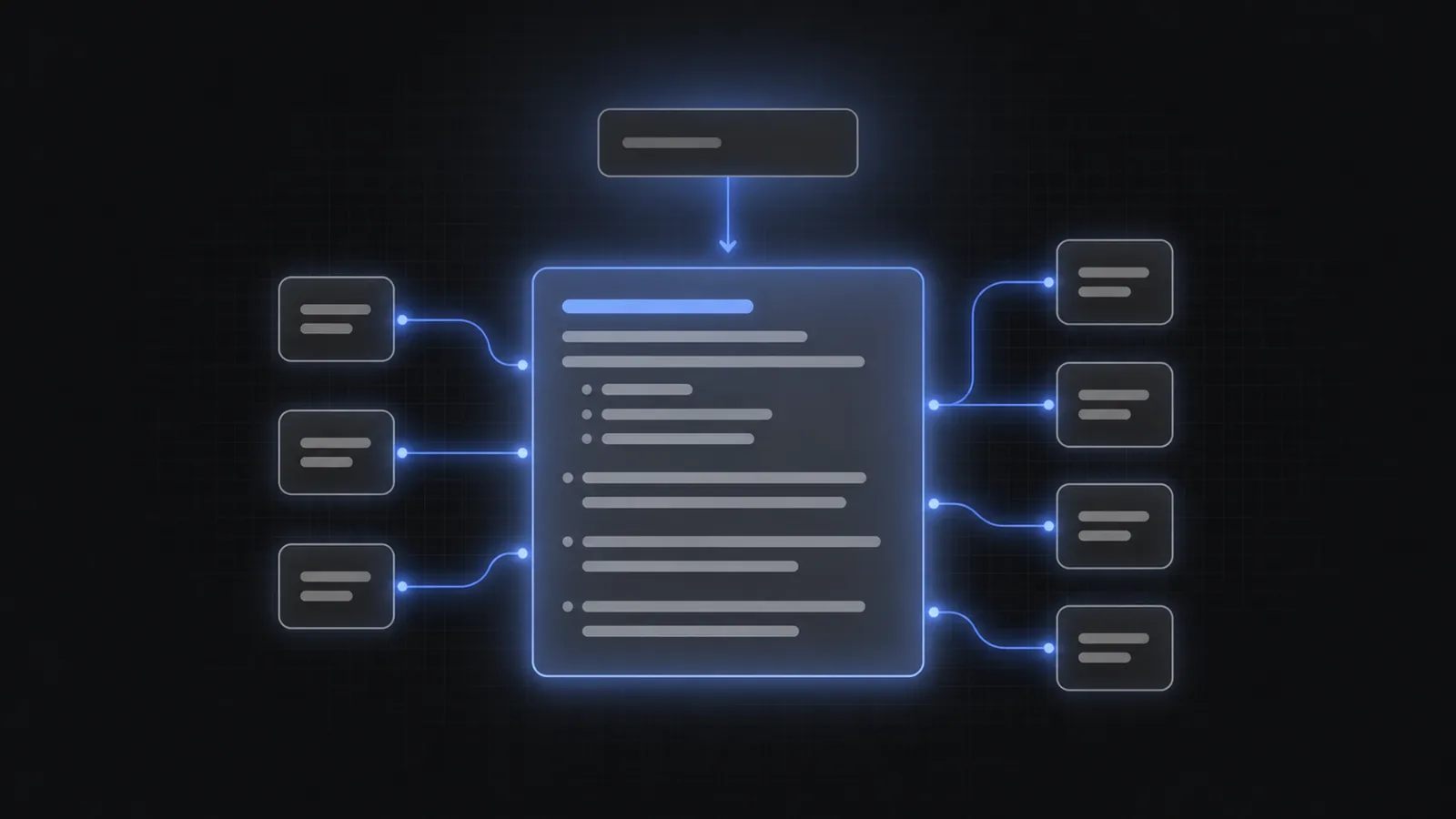
AI Autocomplete works inside the text box while the request is still taking shape. It shows the user which details matter, captures those details as structure, and passes a better request to the product that already handles it.
The central benefit of AI Autocomplete is not better typing. It is better input—and better input improves everything that follows.
1. Richer requests produce better results
Users usually begin with the smallest possible description of what they want. They type “shoes,” “refund,” or “make a dashboard.” Those words establish a direction, but not enough detail to choose a product, solve a case, or execute a task well.
AI Autocomplete asks for detail without stopping the user for a questionnaire. The relevant choices appear as the person types. The completed request can include the fields that the downstream system actually needs:
- A search query plus category, price, size, availability, or location filters.
- A support issue plus account, product, symptom, urgency, and prior troubleshooting.
- An agent task plus goal, constraints, tools, permissions, and output format.
- A recommendation request plus occasion, preferences, exclusions, and budget.
The retrieval model, support workflow, or agent does not become more intelligent. It simply receives a request that is easier to handle correctly. That is why input quality can improve results without a costly backend replacement.
2. Faster journeys and fewer clarification loops
A vague request creates work. In search, the user opens filters, scans irrelevant results, edits the query, and tries again. In chat, the system asks follow-up questions one at a time. In an agent, missing constraints may not become visible until the first run fails.
AI Autocomplete pulls that work forward into one continuous interaction. The user stays in the original text box, but the box becomes an interface for completing the thought.
A good first request removes entire steps from the journey. It does not merely make each step a little faster.
This creates two related benefits. The user reaches the useful result sooner, and the product spends less time clarifying, rerunning, or recovering. The experience feels faster because there is less of it.
3. Better discovery and higher-intent actions
A blank text box hides the shape of the product. The user cannot see which filters exist, which actions are supported, or what kind of answer is possible. Experts may know what to ask. New users do not.
AI Autocomplete introduces capabilities at the moment they are relevant. A shopper discovers that delivery date can be part of the search. A support customer sees that an order number will speed up the case. An agent user learns that the output can be a deck, a table, or a working prototype.
That discovery changes the quality of the action. A user who understands what the product can do is more likely to submit a request the product can satisfy. For commerce, that can mean stronger buying intent. For SaaS, it can mean a more successful first session. For an agent, it can mean a task that is ready to execute rather than ready to discuss.
4. Lower operating cost and clearer product data
Poor input is expensive in quiet ways. It creates repeated searches, extra model turns, unnecessary tool calls, support back-and-forth, and human review. Each event may be cheap. At product scale, the loop is not.
A completed request can also be easier to analyze. Instead of storing only an ambiguous sentence, the product can see which fields users selected, where they abandoned, which constraints appear together, and which parts of the intent model need work. Structure turns a stream of text into usable product signals.
That is the seventh benefit: AI Autocomplete can make the experience easier to improve. Teams can inspect completion rate, query depth, corrections, downstream success, and time to outcome instead of treating every submission as an opaque string. The documentation shows how the SDK exposes the completed query and its structured parameters.
The seven benefits, in plain language
- Richer requests. Users include more of the information the product needs.
- Better results. Search, chat, support, and agents have less to infer.
- Faster journeys. Fewer filters, retries, and follow-up questions sit between intent and outcome.
- Better discovery and stronger conversion. The interface shows what is possible while the user is deciding what to do.
- Lower cost and clearer analytics. The product does less recovery work and receives structure it can measure.
Frequently asked questions
What is the main benefit of AI autocomplete?
The main benefit is better input. AI autocomplete helps a user turn an incomplete thought into a specific, structured request before search, chat, support, or an agent handles it.
Does AI autocomplete improve search relevance?
It can improve relevance by giving the existing search engine a richer query and more accurate filters. It does not repair a bad index or ranking model; it improves what reaches them. See AI Autocomplete for site search for the full distinction.
Can AI autocomplete reduce LLM costs?
A more complete first request can reduce clarification messages, failed runs, and repeated model calls. Actual savings depend on the workflow and should be measured against the current number of turns and retries.
How should a team measure the benefit?
Track query length and structure, completion rate, time to useful result, reformulation rate, follow-up turns, downstream success, conversion, and cost per completed outcome. Compare the full journey, not only click-through on a suggestion.
Where is AI autocomplete most useful?
It is most useful when requests begin vague but good outcomes depend on several details. Ecommerce search, site search, AI agents, customer support, travel, marketplaces, and complex SaaS actions are strong examples.
Improve the request before replacing the system
If the backend works well on complete input, the next improvement may belong in the text box.
See how the AI Autocomplete intent layer works, or go straight to the installation guides.