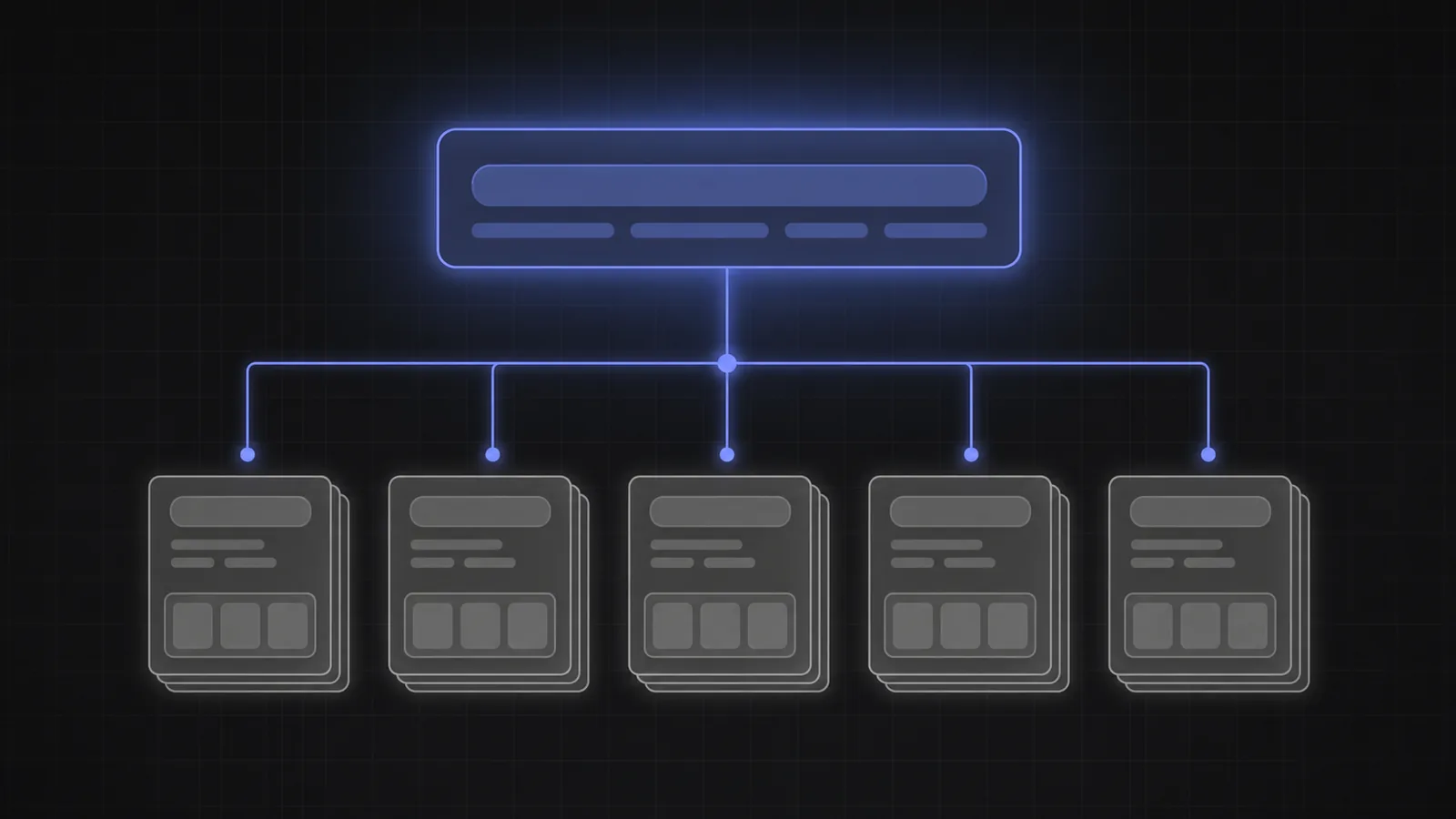
“Autocomplete provider” can describe several different products: a UI library, a query-suggestion index, prefix search, live results, or an entire search platform. Comparing vendors without separating those jobs produces a misleading feature table.
The practical question is not which product wins autocomplete. It is whether the problem lives in typing, intent, retrieval, ranking, merchandising, or the interface that connects them.
Search providers help the product answer a query. AI Autocomplete helps the user finish asking it.
What the main search providers call autocomplete
The providers differ in architecture and scope, but their autocomplete features are generally attached to indexed queries or records. Their own documentation makes the distinction clearer than the category name does.
A simplified view of the main approaches:
- Algolia: its Query Suggestions feature builds suggested searches from search analytics or supplied data, and its Autocomplete library renders sources such as queries, categories, recent searches, and records.
- Elasticsearch: the search_as_you_type field and completion suggester support fast prefix or infix matching against indexed text and completion data.
- Typesense: prefix search is enabled by default and returns matching records as the user types, with typo tolerance and filters handled by the search engine.
- Meilisearch: prefix search matches documents from the beginning of the final query word and powers its search-as-you-type experience.
Coveo, Constructor, Bloomreach, and other enterprise or commerce platforms add their own query suggestions, personalization, category suggestions, merchandising, analytics, and live-result experiences. Those are substantial products. They still begin with the query or prefix the user has provided.
AI Autocomplete operates on a different object
AI Autocomplete does not primarily search an index for a phrase or record that begins with the current text. It interprets the emerging goal, uses the product's logic and context, and offers the missing choices needed to make that particular request actionable.
A search provider might turn “trail run” into “trail running shoes” or display matching shoes immediately. AI Autocomplete can help form “women's waterproof trail shoes, size 8, under $150, available by Friday,” with each attribute captured as a field.
Search autocomplete narrows what already exists in an index. AI Autocomplete helps the user express what must be true of the result.
That is why a one-row feature comparison misses the architecture. Query suggestions, instant results, semantic search, and intent capture are not competing implementations of one algorithm. The search technology taxonomy separates the categories in detail.
Use both layers when both problems exist
A product can keep its provider for indexing, typo tolerance, retrieval, ranking, personalization, analytics, and merchandising. AI Autocomplete sits in the input, completes the request, and maps structured fields to the provider's ordinary query and filter syntax.
The routing can be selective. Exact product names and familiar navigational queries can use the provider's fastest suggestion or live-result path. Broad, multi-constraint requests can open the intent flow. The completed request then returns to the same search backend.
This approach protects the work already invested in relevance and operations. There is no need to re-index the catalog simply to improve how users state intent. The Algolia and Elasticsearch integration article shows the request mapping step by step.
Choose from the failure, not the vendor category
If users type known names and want matching records immediately, invest in prefix search, typo tolerance, live results, and a strong autocomplete UI. If submitted queries are specific but results are poor, invest in indexing, retrieval, ranking, or merchandising.
If users arrive with a goal but submit short, incomplete requests, add an intent layer. That problem shows up as repeated reformulation, heavy filter use, avoidable zero-result pages, agent clarification, or successful sessions only when an expert writes the query.
Evaluate the total stack on latency, relevance, structured output, live data, accessibility, analytics, control, security, and operational ownership. The right result may be one provider, a provider plus AI Autocomplete, or a custom composition. The job boundary matters more than the logo.
The provider comparison that matters
- Algolia, Elasticsearch, Typesense, and Meilisearch autocomplete are tied to indexed queries or records.
- AI Autocomplete completes the user's intent and can return structured fields before retrieval.
- The layers are complementary. Keep the search provider for retrieval, ranking, and operations.
- Route by query shape. Known-item and broad intent searches do not need the same interaction.
- Buy from the failure. Incomplete requests and poor retrieval are different problems with different fixes.
Frequently asked questions
Does AI Autocomplete replace Algolia?
It can replace or augment the query-suggestion UI, but it does not replace Algolia's search index, retrieval, ranking, personalization, or merchandising. It can pass a completed query and filters into the same Algolia search call.
Does AI Autocomplete replace Elasticsearch?
No. Elasticsearch can remain the retrieval and analytics engine. AI Autocomplete works before submit and gives Elasticsearch a richer query plus structured filters.
Can it work with Typesense or Meilisearch?
Yes. The completed text can become the query, and selected fields can map to the provider's filter syntax. Prefix search and typo tolerance can continue to handle known-item or instant-result behavior.
What about Coveo, Constructor, or Bloomreach?
Those platforms may already cover query suggestions, recommendations, personalization, merchandising, and search analytics. AI Autocomplete is relevant when the remaining problem is helping users form a complete, structured request before those systems retrieve.
Which layer should we test first?
Test the layer nearest the failure. For incomplete queries, test intent capture. For precise queries with poor results, test retrieval and ranking. For slow navigation to known items, test faster suggestions or live results.
Keep the search engine. Improve the request it receives.
The provider does not need to lose for the input to get better.
See AI Autocomplete for site search or review the integration documentation.